

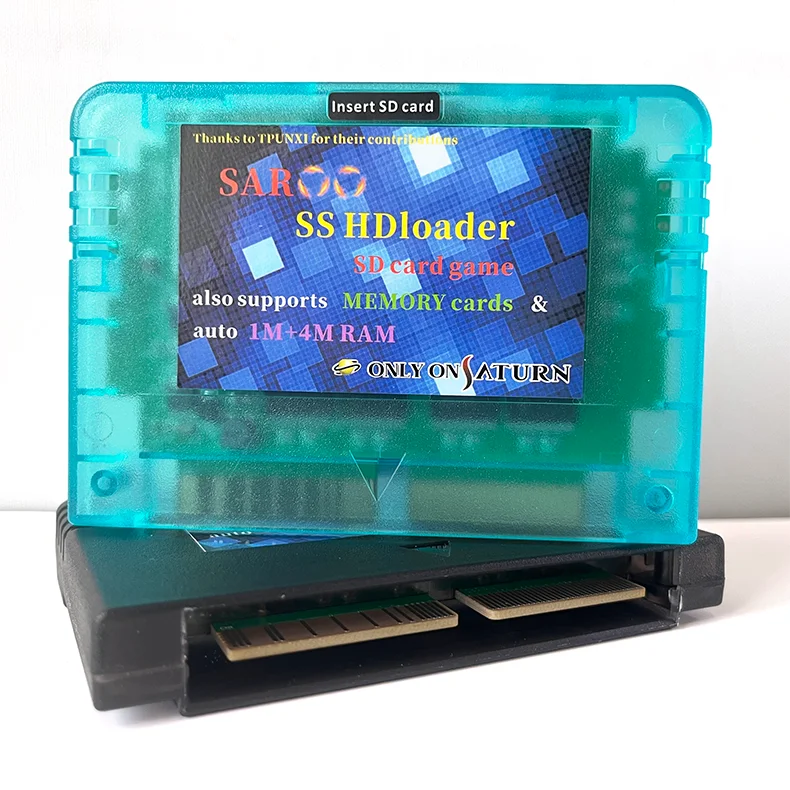
New Version Saroo SS HDloader Game Reader Cartridge Support SD/TF Menory Cards Play Games Without CD for Sega Saturn
Please read the details about saroo before placing your order, thank you!
If you didn't order a package that includes a TF card, you can download the saroo firmware from the forums and place it on your TF card yourself, or contact me to get the firmware.
The TF card contains games, please contact me for a list of games.
Products
SAROO is an optical drive emulator that uses the SD card to enable disc-less gaming, with very fast game reading speeds!
Saroo supportssystem memory and external memory cards.
Saroo also supports 1MB & 4MB RAM cards.
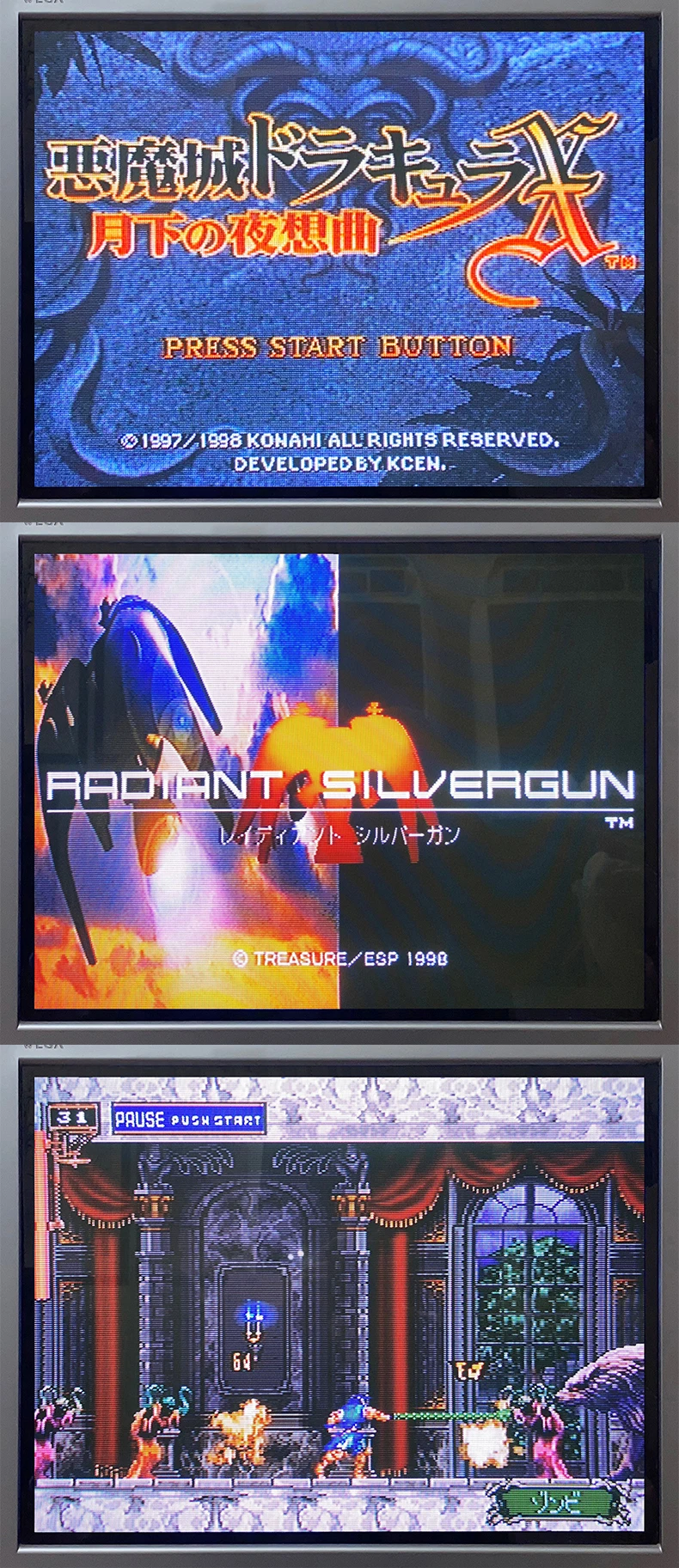
The current version supports more than 95% of the games.
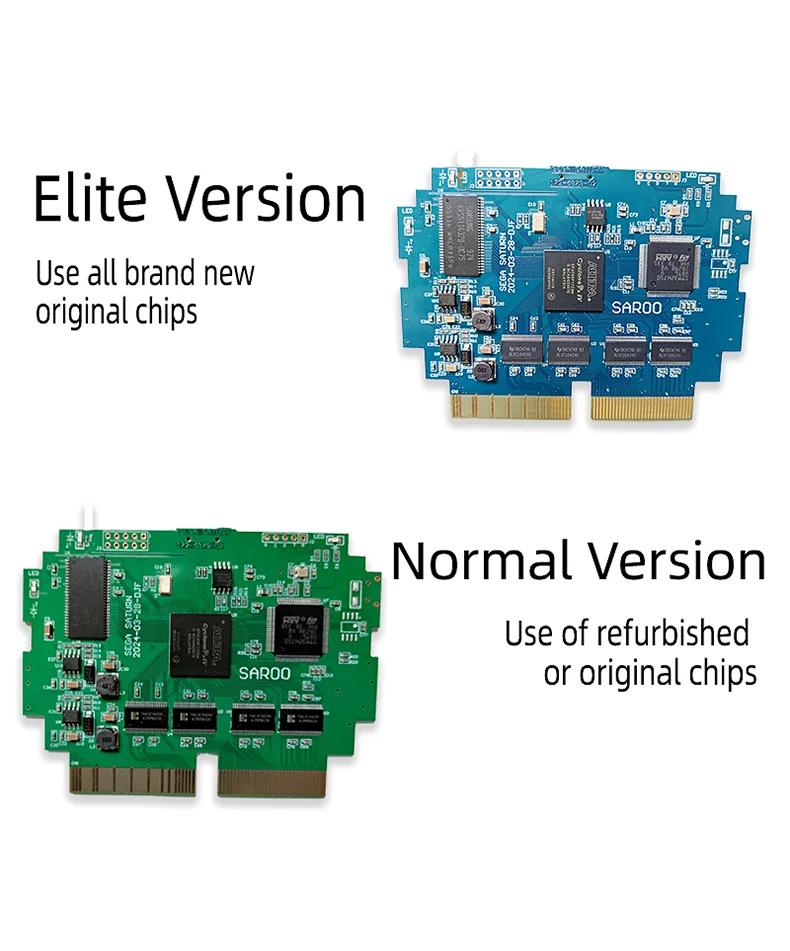
The blue board is for the Elite version and the green board is for the regular version.
The normal version uses loose new or refurbished chips, while the Elite version uses brand new original chips.
The SAROO cards you see on the market generally use used refurbished chips, and some even use used chips to lower the price.
Because the price of new chips varies several times, it is difficult to buy brand new original chips.
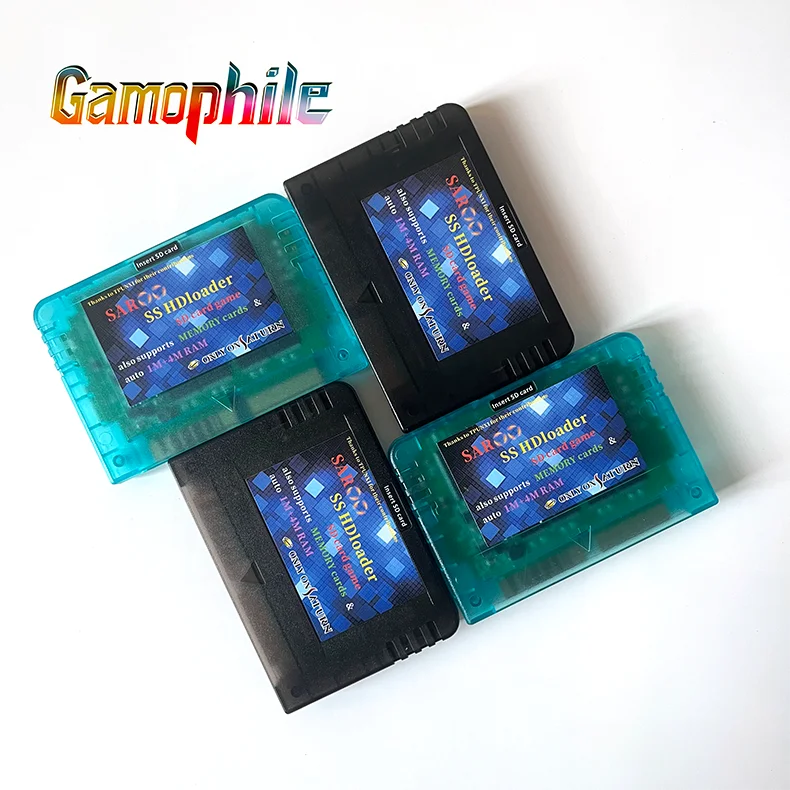
The latest 2025 version
There are new versions that can be upgraded on their own and can be accessed at https://github.com/tpunix/SAROO/releases
If you have your own SD card, simply place the SAROO firmware folder in the root directory of the SD card, which supports FAT32 and exfat formats.
The game image file needs to be in BIN/CUE format and should be placed in an ISO folder.
It is recommended to use UltraISO software for image creation or format conversion.
Notes on the use of SAROO
When running the game and encountering game lag, crashes, or abnormal background sound, the image should be changed to a different production or conversion software, other game versions can be changed, a higher speed SD card can be replaced, or the downloaded image should be checked for any issues using the Sega Saturn emulator.
When playing multi disc games and encountering the inability to change discs, you can use the Saturn emulator to read records and change discs.
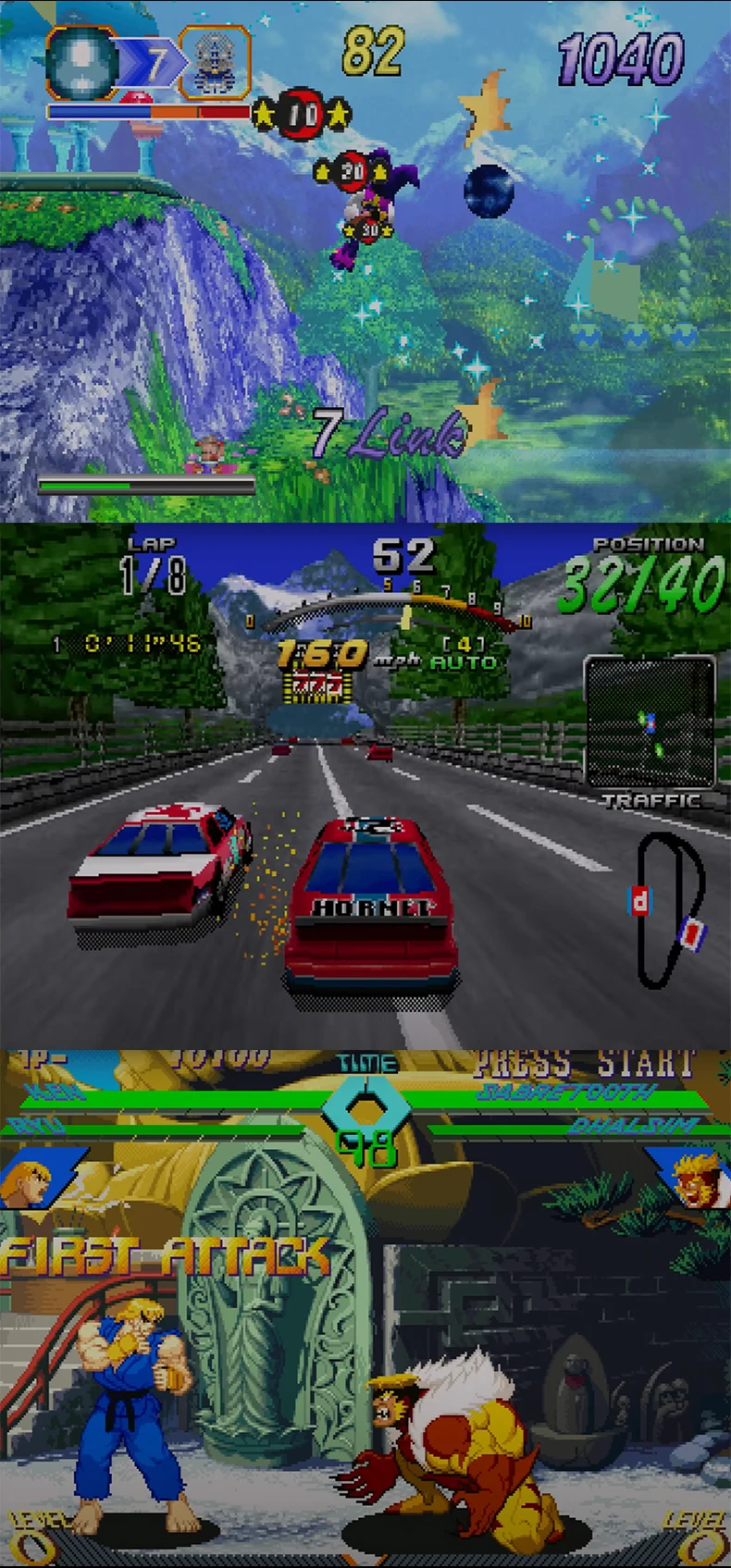
When the cartridge is inserted into the card slot of the machine and cannot start the menu, it is difficult to recognize the cartridge.
Insert the cartridge to the bottom and lift it up a bit to the left or right, or use cards or other materials to cushion the front or back.
This is a common problem in the design of the machine's card slot. Please understand!
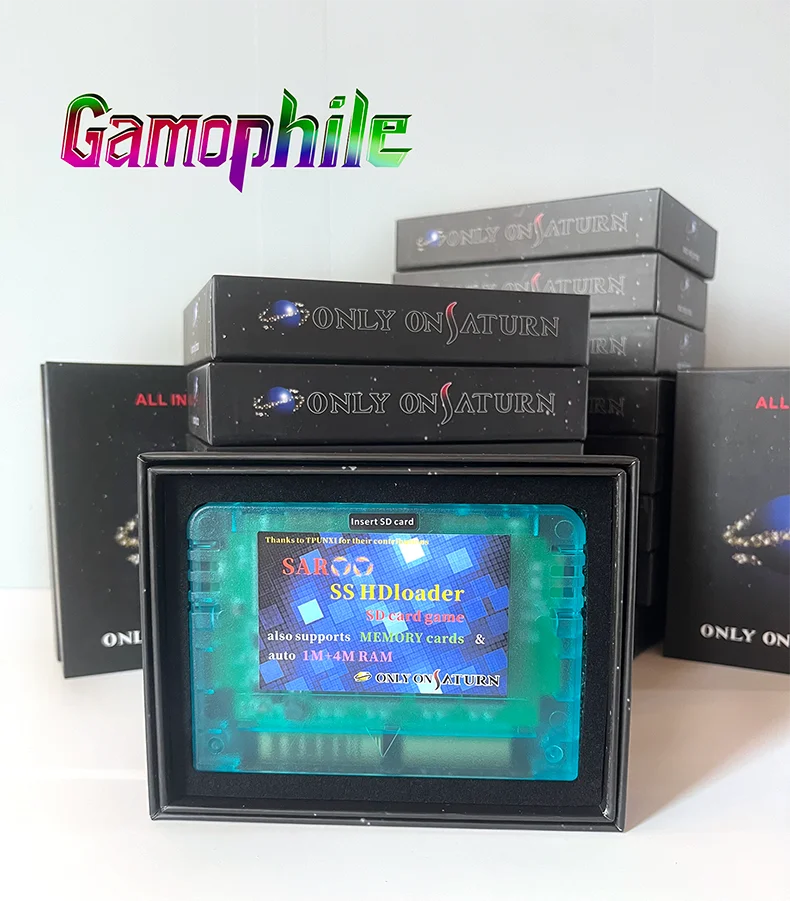
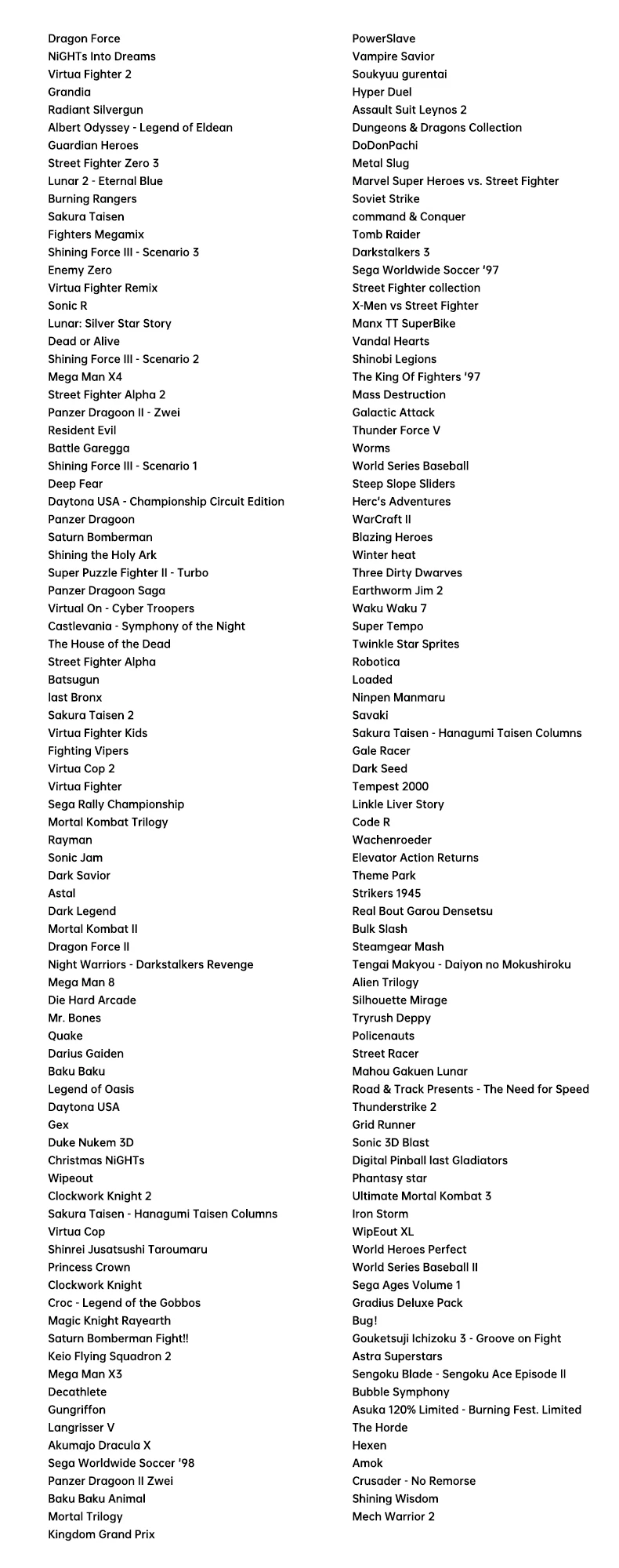
There is no doubt that you have it and you will get the very best experience of Saturn games!
